
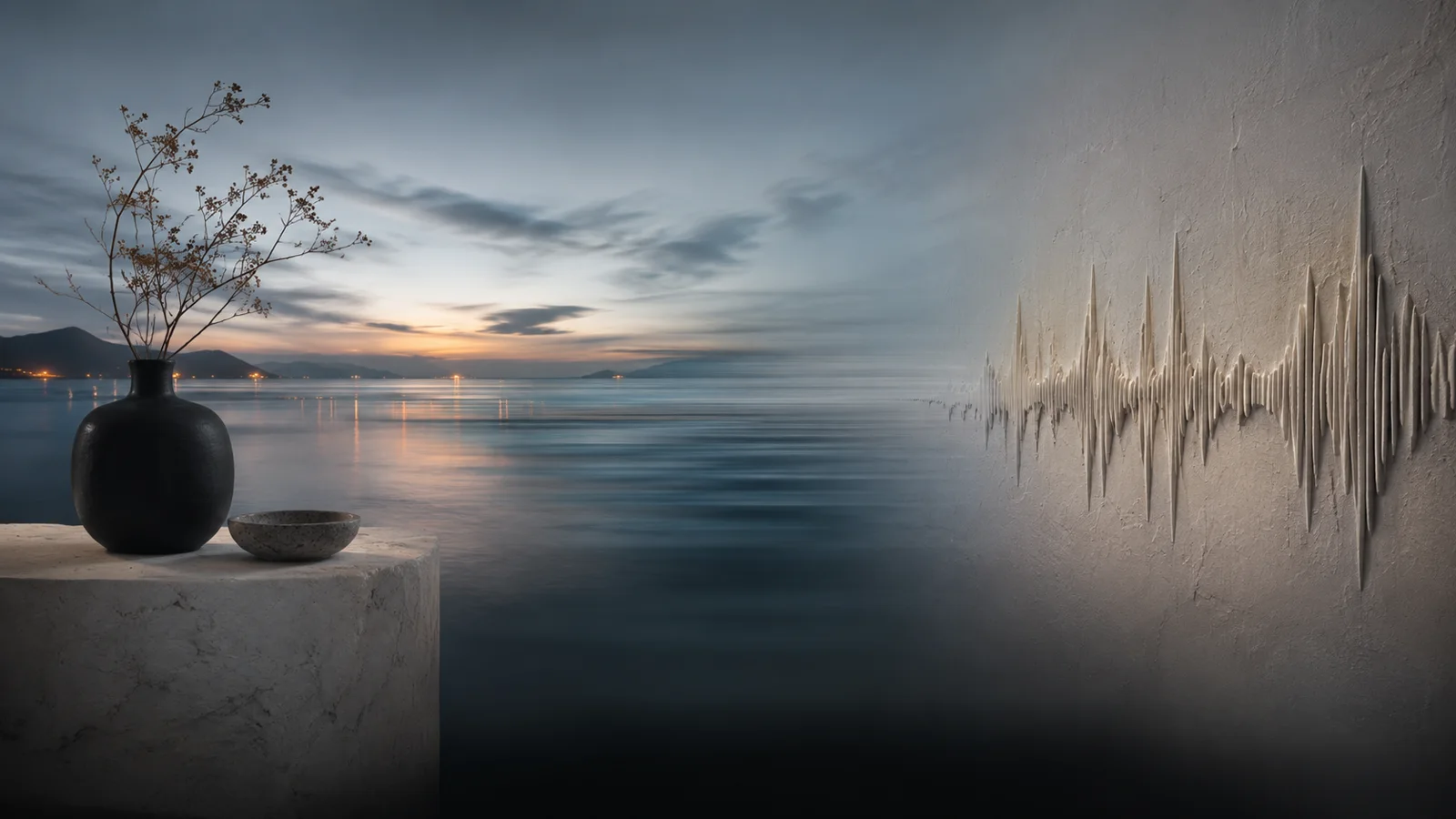
01
Describe the scene
Write a rich prompt covering look, motion, sound, and mood — Flux 3 thrives on concrete scene direction.
Flux 3 · Omni model
Flux 3 is the next-generation multimodal model from Black Forest Labs — a breakthrough in control, realism, and world understanding. Generate and steer media from a single creative prompt.
Describe the scene you want. Choose aspect ratio, duration, and resolution, then hit Generate.
324 / 7,000
Duration
4sQuality
Reference images (0/9)
Up to 9 images. Refer to them as Image 1, Image 2… in the prompt.
Reference videos (0/3)
Up to 3 clips (MP4/MOV, ≤50MB, 2–15s each).
Reference audio (0/3)
Up to 3 clips (MP3/WAV, ≤15MB). Can be used alone.
This generation uses 10 credits
Example output for the prefilled text-to-video prompt. Generate your own to replace it. (1/3)
Demo uses a sample clip so you can see the workflow before generating.
Omni modalities
One model trained jointly across image, video, audio, and action — not four disconnected tools bolted together.
Native audio video
Sound is generated with the picture: dialogue, ambience, SFX, and music in a single pass instead of post-layered stubs.
World understanding
Stronger control and realism for scenes that move, talk, and stay consistent as you refine the prompt.
Reference & continue
Start from text, image, or existing footage — reference, transform, or continue what you already have.
Workflow
A simple three-step flow — describe the world, choose how you want it rendered, then generate.
Write a rich prompt covering look, motion, sound, and mood — Flux 3 thrives on concrete scene direction.
Choose aspect ratio, duration, and resolution that match the deliverable you need.
Hit Generate, refine the brief, and keep exploring until the scene matches your vision.
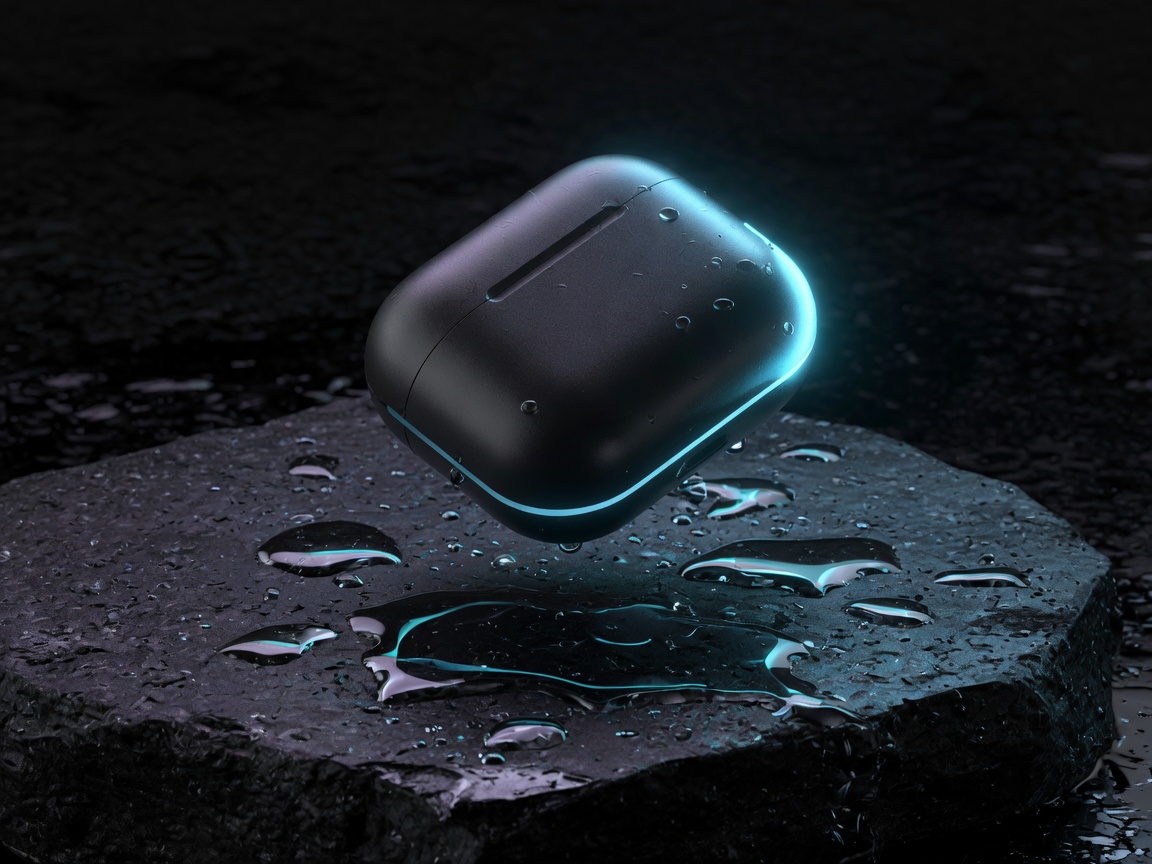
Hardware hero with material fidelity and cinematic light — built for brand stills and launch assets.
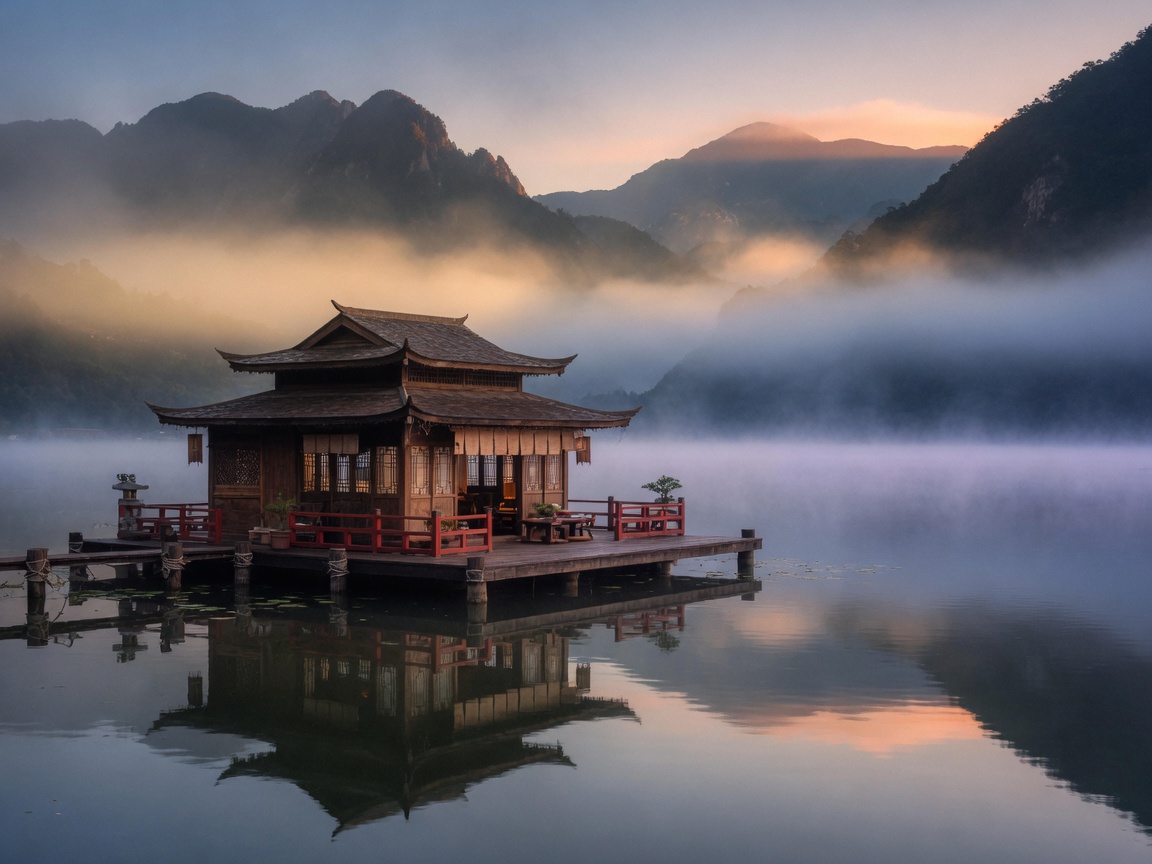
Environments that feel lived-in — travel mood boards, game concept art, and location scouting plates.
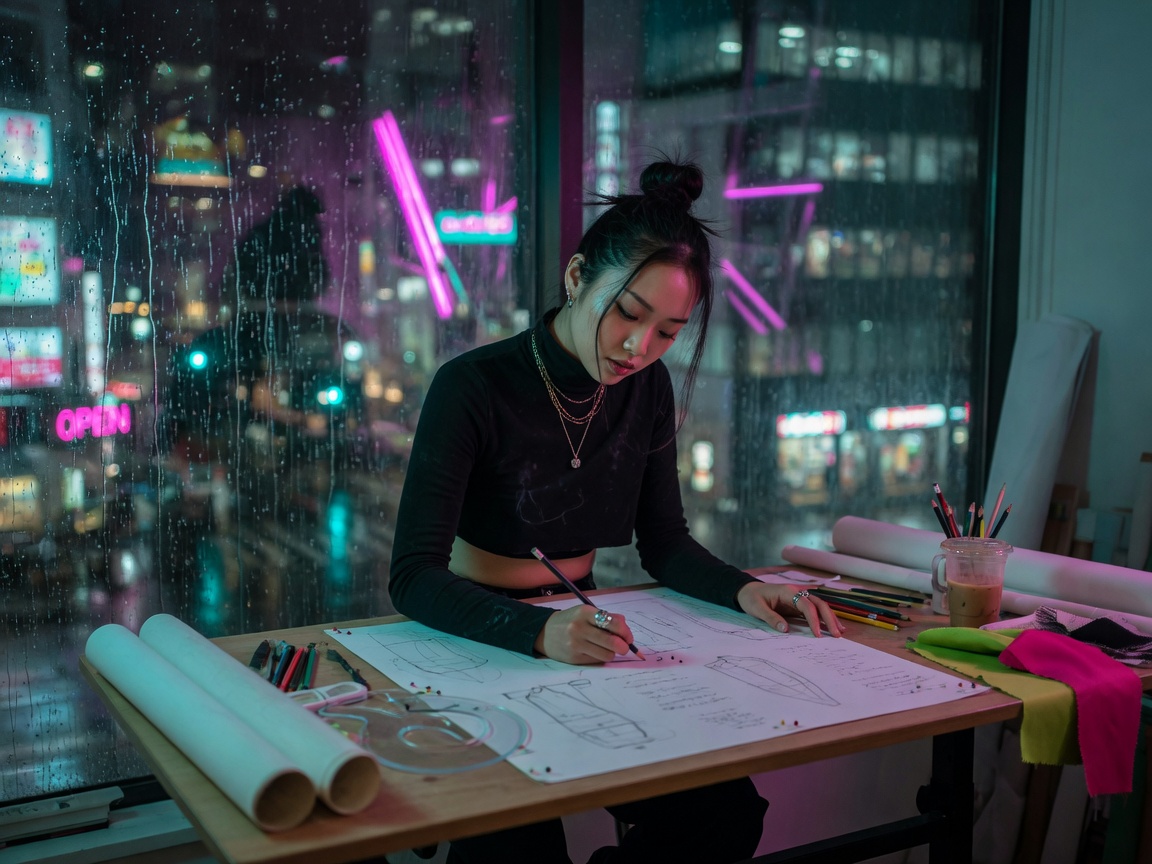
Editorial portraits with narrative context — campaign covers and character bible frames.
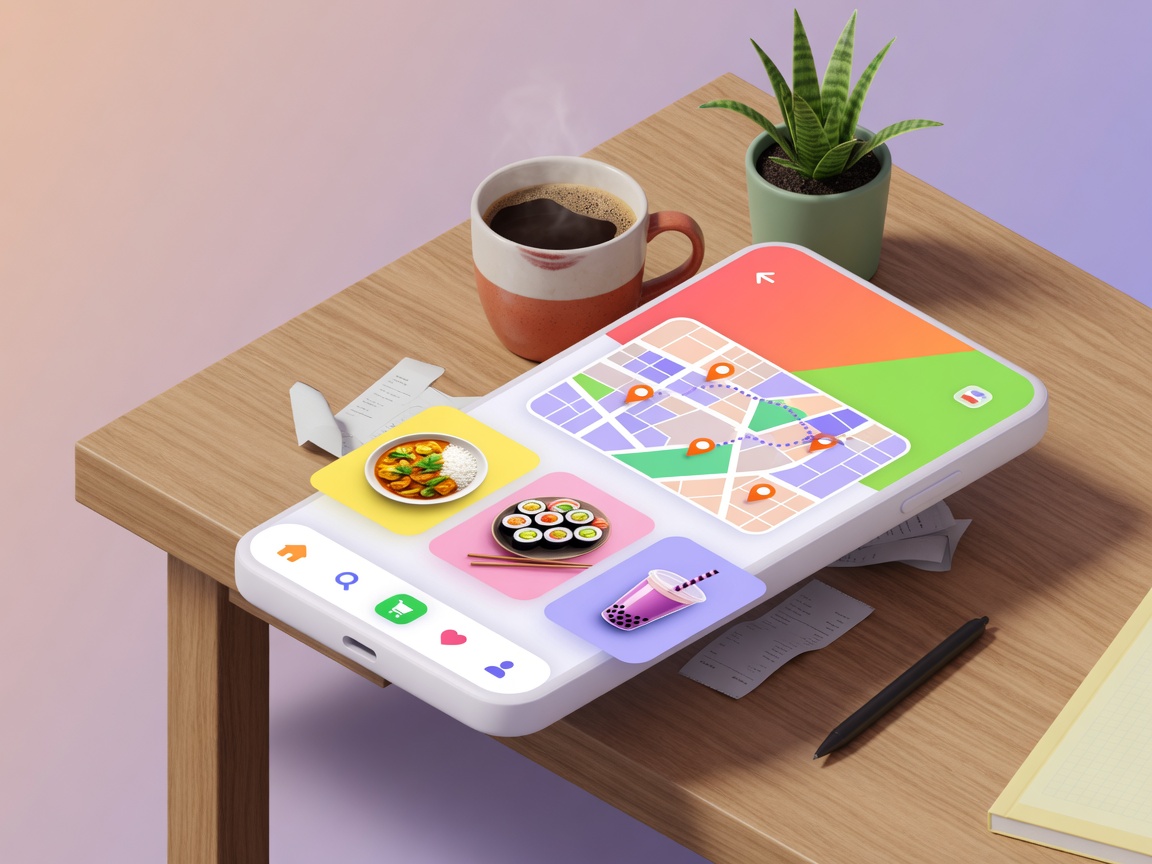
UI and product-screen compositions for demos, pitch decks, and design exploration.
Showcase images are original assets for this site. They illustrate creative directions, not official Flux 3 model outputs.
Showcase
Illustrative stills for product, environment, portrait, and interface storytelling — remix them with omni-style prompts.
Capabilities
Flux 3 is positioned as more than another image model — a multimodal system for worlds that look, move, sound, and respond.
High-fidelity stills with the control and realism the Flux line is known for — now inside a broader omni stack.
Text-to-video and reference-to-video workflows for short clips with stronger scene continuity.
Dialogue, sound effects, ambience, and music generated together with the visuals — not bolted on later.
Prompt-steered motion and world interaction so scenes can be directed, continued, and remixed.
Combine text with images or existing footage to guide reference, transformation, or continuation.
Compress ideation, visuals, sound design, and iteration into one prompt-first playground.
Use cases
When your job needs more than a pretty still — motion, sound, and steerable worlds — the omni model is the point.
Previz, storyboards, short clips with native audio, and rapid visual R&D before full production.
Hero stills, launch videos, UI mock concepts, and campaign systems from one creative stack.
Concept art, environment plates, action-driven sequences, and audio-aware scene sketches.
4.5K
token-scale prompt budget (model class)
12
languages for native on-image text
10px
target small-text readability in demos
Upgrade to unlock every feature and get more credits. Yearly billing saves the most.
Pro
Best value — more credits each year.
Max
Maximum yearly volume with commercial rights.
Quick answers about the model, this preview site, and what “omni” means in practice.
Open the playground, write a multimodal scene prompt, and experience the omni workflow.
Open playground